
Treat a Paralives Nexus Mods listing as an external source, not as proof that a file is current or supported. Read the creator's page, confirm the package is for Paralives, check dependencies and permissions, back up a test save, and follow the exact installation path the creator or loader documents. If those details are missing, do not guess a folder or use an anonymous mirror.
What does Paralives Nexus Mods mean?
The phrase Paralives Nexus Mods usually describes a player looking for Paralives files or instructions on a third-party platform. It does not prove an official Nexus collection, current Early Access compatibility, or a universal mods folder. Check the listing, creator and game support separately.
Use the official Paralives website, Steam store and the Moddable features reference for the game's documented scope. Use the creator's release notes for package-specific requirements. This separation prevents a search result, an old screenshot or a comment from becoming an unsupported compatibility promise.
- Confirm that the page is about Paralives rather than a similarly named game.
- Identify the original creator and keep the creator's own instructions.
- Treat compatibility, permissions and dependencies as claims to verify.
- Keep the source URL and checked date with the installed file.
Check a Nexus source before downloading
Start with identity. The title should name Paralives and the description should explain what the package changes and where it should appear. A clothing asset, build object, gameplay file and script dependency have different test locations. If the page only promises a generic improvement, cannot name the expected mode, or mixes files for several games, pause before downloading.
Next, read the creator's requirements. Look for a game build, loader or framework version, dependency list, archive structure, license and update history. A high download count is not a compatibility check. A recent comment is not a release note. When the creator has not documented a manual path, keep the item on the original page and do not create a folder based on advice for another life-simulation game.
- Read the full descriptionRecord the promised feature, game mode, platform and expected result before opening the archive.
- Check requirementsWrite down every dependency, loader, version and install order named by the creator.
- Confirm ownershipUse the creator's profile, release notes or linked repository to distinguish the original from a re-upload.
- Save a reversible copyKeep the source URL, archive name and a dated save backup before testing.
Nexus, Steam Workshop and creator releases are different
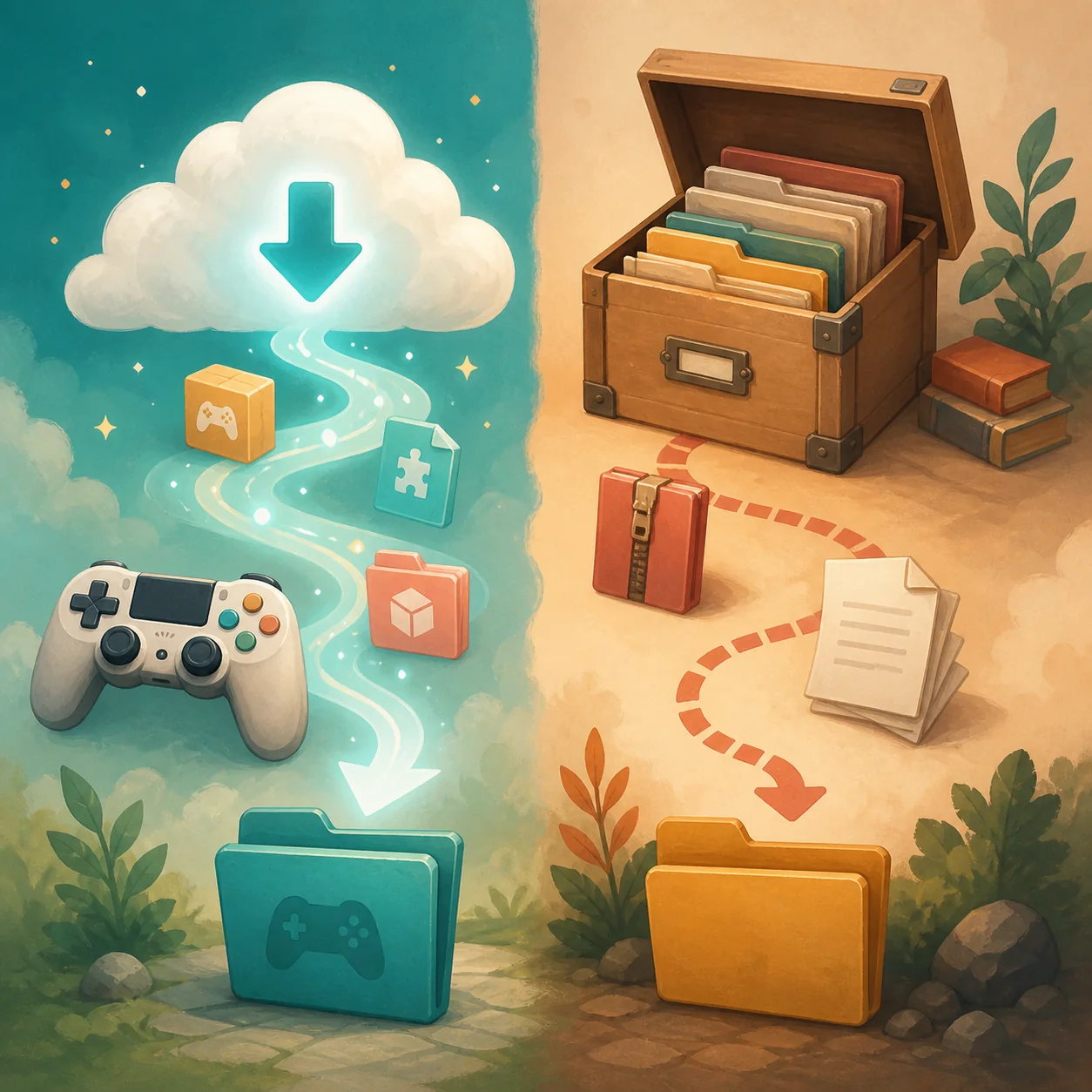
A source comparison explains why one installation answer cannot cover every Paralives mod. Steam Workshop uses a subscription and delivery state. A creator release may provide a ZIP or repository asset with its own instructions. A third-party listing may link to or host one of these sources. Follow the route that owns the file and update record.
Do not keep duplicate copies while troubleshooting. Workshop and an extracted archive may be different versions. If an external file disappears after a patch, compare the creator note with the game build before reinstalling.
| Source route | Who controls delivery? | First verification |
|---|---|---|
| Steam Workshop | Steam subscription and the creator's item | Subscription, Downloads queue, restart and expected mode |
| Creator release | Original author or repository owner | Release notes, dependency list and archive structure |
| Nexus listing | The listing plus its linked creator source | Game identity, author, file type and source ownership |
| Unknown mirror | No reliable owner | Do not install an executable or unverified archive |
Safe installation steps for an external Paralives file
Make the first test small. Close Paralives, copy the complete save folder to a dated location outside the live directory, and keep the original source page with the archive. Do not test a large collection at once; one package and its required dependency produce evidence you can act on.
Extract only where the creator or loader says to extract. Preserve the folder depth and file names. A nested folder can hide a correct package, while moving files into a guessed directory can make future removal and updates confusing. If the instructions do not name a path, stop and ask the creator or use a supported Workshop route instead.
Restart the game and check the exact category or mode named by the creator. Test the promised action, save a small change, reload and remove the package from the test setup. Record the game build, package version, dependency state and result. This record is more useful than a claim that the mod is universally compatible.
- Back up a test saveCopy the complete verified save location before changing files or loaders.
- Read and inspectReview the README, release notes and archive contents without running unknown programs.
- Install one packageMatch the documented parent folder and nesting, then add only the named dependencies.
- Restart and verifyOpen the promised mode, clear filters, perform one action, save and reload.
- Record or removeKeep the source and test result, or remove the package before adding another variable.
When a Nexus file does not appear or does not work
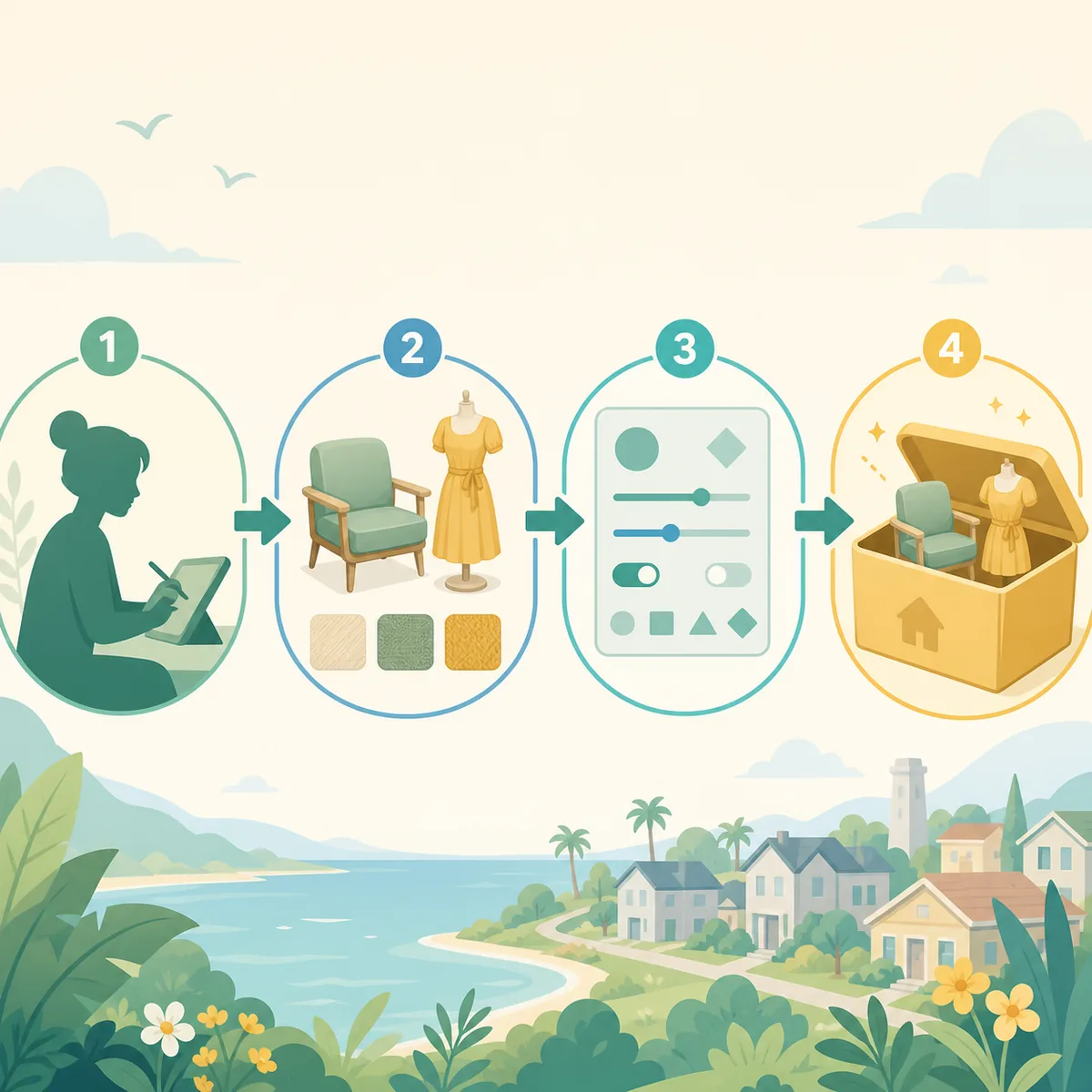
Separate visibility from behavior. If the item is absent, check that Steam or the manual extraction finished, the folder depth matches the instructions, the required dependency is present, filters are cleared and you are looking in the named mode. A build object will not appear in the same catalog as hair or clothing. Use the site's mods-not-showing guide for a repeatable discovery check.
If the item appears but its feature fails, keep the package in place and compare the game build, loader, dependency version and creator notes. Test a copied save with unrelated files removed. Use the mods-not-working guide to isolate conflicts, stuck loading and save symptoms. Do not delete the entire Workshop library or primary save as a first response.
- Missing item: check delivery, extraction, dependencies, filters and the expected mode.
- Visible but broken: compare compatibility, framework version and conflicts.
- Only one save is affected: restore the test copy and treat it as a save-specific issue.
- Everything fails after an update: test one known package before rebuilding the collection.
| Symptom | Evidence to collect | Safe next action |
|---|---|---|
| The page downloaded but the item is missing | Source, archive structure, folder depth and expected mode | Repeat one-package visibility test |
| The item appears but crashes or fails | Game build, dependency version and log clue | Isolate the package and follow creator notes |
| A Workshop item remains after unsubscribe | Subscription state and any external duplicate | Remove the manual duplicate before testing again |
| A save will not load | Backup date and last changed package | Restore the copy and use the save troubleshooting path |
Mac, Steam Deck and Early Access caveats
Do not copy a Windows path into a Mac or Steam Deck guide without a current source. The official site describes Paralives as an Early Access PC and Mac game, while a loader, Proton prefix, permissions model or creator package can change where external files are read. A third-party listing is not authority for every platform.
Check the creator's platform notes and current game information before installing. If no trustworthy source explains a path, keep the package on its original page instead of publishing a guessed location. Compatibility after an update needs a stated build or a repeatable test.
- Windows: use the creator-defined external path and keep save data separate.
- Mac: require a current platform-specific instruction instead of reusing Windows advice.
- Steam Deck: check the loader or Proton setup named by the creator.
- All platforms: record the game build and test date before adding a collection.
For creators: keep the original source visible
A good Paralives Nexus Mods reference should point back to the author and explain whether the file is hosted, mirrored with permission or only linked. Keep the package name, license, dependencies, expected mode and update notes together. If redistribution is not documented, do not present a third-party copy as an official download.
Creators should test the public package from a clean setup and update release notes when the game or tool changes. The official mod creation and Workshop reference covers the creator workflow; players still need source, dependency and backup instructions.
- Name the original creator and the exact package or release.
- State permissions, dependencies, tested build and expected game mode.
- Link to the source of record instead of inventing a mirror or direct file URL.
- Publish an update note only after repeating the test on the changed build.
Paralives Nexus Mods FAQ
Are Paralives mods on Nexus Mods official?
Nexus is a third-party platform. Verify the creator, package, permissions, dependencies and current game support on the original source before installing.
How do I install Paralives mods from Nexus?
Read the creator's current instructions, back up a test save, extract only to the documented path, install required dependencies, restart and test one package in the named mode. Do not guess a universal folder.
Is there one Paralives Nexus Mods folder?
No universal path is verified for every source, loader and platform. Use the exact path supplied by the creator or loader, and keep save data separate.
Should I use Nexus or Steam Workshop?
Use the route that owns the current file and its update record. Workshop uses a Steam subscription; an external archive follows creator instructions. Do not keep duplicate copies active while troubleshooting.
What if a Nexus mod is in the folder but missing in game?
Check archive nesting, dependencies, delivery completion, filters and the expected mode. Then isolate one package and use the mods-not-showing guide.
Can I install a Nexus mod on Mac or Steam Deck?
Only when a current creator or loader instruction supports that platform. Do not reuse an unverified Windows path or assume Proton reads the same directory.
Does this page provide a direct Nexus download?
No. The page explains source checks and safe boundaries. Use the original creator or platform page when its ownership and current instructions are verifiable; otherwise leave the file unverified.