
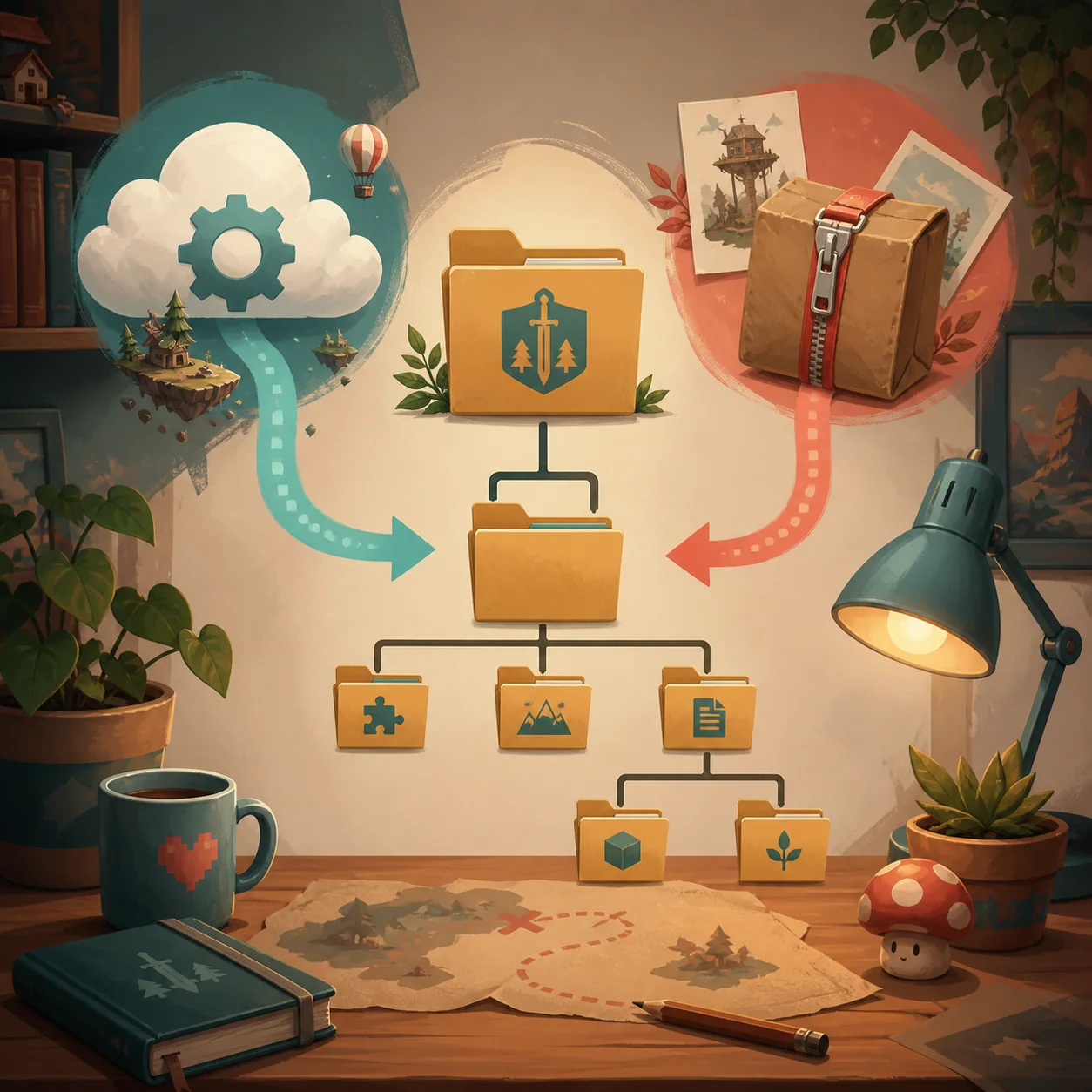
There is no single verified manual folder that this site can safely publish for every Paralives setup. Workshop items arrive through a Steam subscription. External files belong only in the path named by their creator or loader. Do not use %LocalAppData%\Paralives\Paralives\ as a mods folder: the current official Windows note identifies that location for save data.
Workshop content does not use a guessed manual folder
If you subscribed to a Paralives item through Steam Workshop, start with the subscription and Steam Downloads rather than searching for a folder to create. Steam manages delivery for that route, and the item may not be ready until the download queue finishes.
Restart Paralives after Steam is ready, then check the exact mode or catalog category described by the creator. A build object, Paramaker asset and gameplay change can appear in different places, so a missing thumbnail is not proof that the Workshop path is wrong.
- Open the correct WorkshopUse the official Paralives Workshop destination for the Steam app, not a similarly named game.
- Subscribe and waitConfirm that Steam Downloads has finished before launching or testing the item.
- Restart the gameClose an existing Paralives process and start a clean session after delivery completes.
- Check the promised locationUse the creator's named mode, category or setting with filters cleared.
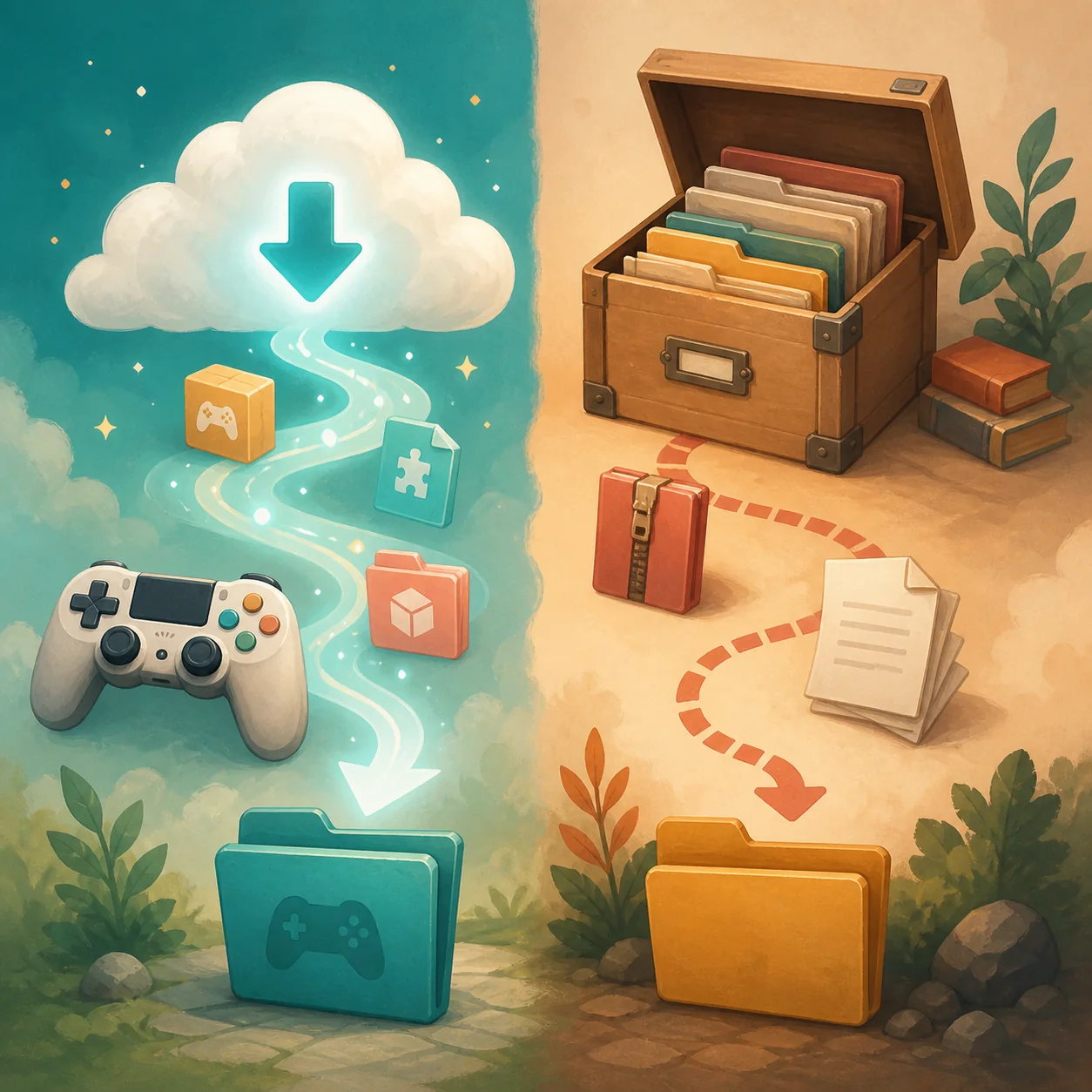
External mods use the creator's documented path
A downloaded ZIP, DLL, package or custom-content archive is not automatically compatible with a universal folder recipe. Before extracting it, read the creator's README, release notes or loader instructions and keep the original source URL with the file.
The documented path may be specific to a framework, game build or platform. Preserve the folder depth the creator describes: an extra nested directory can make a correct file invisible, while moving files into a guessed location can make later updates and removal harder.
- Confirm that the archive is for Paralives and identify its creator.
- Read dependencies and the required game or loader version before copying files.
- Follow the exact folder name and depth supplied by the creator.
- Keep one test package separate from a large collection until it works.
| Source | Who defines placement? | First check |
|---|---|---|
| Steam Workshop | Steam subscription and creator notes | Downloads complete and item is subscribed |
| Creator archive | Creator or loader documentation | README, release notes and folder depth |
| Dependency package | Original dependency author | Required version and install order |
| Unknown mirror | No reliable owner | Do not install or run an unknown executable |
Do not confuse the mods folder with the save folder
The current official Windows save guidance places Paralives user saves under %LocalAppData%\Paralives\Paralives\. That is a save-data location, not proof of a manual mod location. Copy the complete save folder before experimenting with a new loader, archive or large mod batch.
Keeping save data and mod files separate makes troubleshooting safer. If you need the verified Windows save steps, use the site's Paralives save folder guide. For source-specific placement, use the installation guide and the creator's own documentation rather than copying a path from another life-simulation game.
- Close the game before copying or replacing user files.
- Back up the complete verified save folder to a dated location outside the live directory.
- Do not move save files into a folder named for manual mods.
- Do not create a folder only because an old guide for another game uses that name.
If the Paralives mods folder does not exist
A missing folder is not a reason to create several nested directories at random. First identify the source. Workshop content should be checked through Steam delivery and the in-game location named by the creator. A manual install should provide an explicit path or a loader that creates the required structure.
If the creator explicitly says to create a folder, copy the name exactly, create it at the documented parent location and test one package. If the creator does not explain a manual path, stop and use the supported Workshop route or ask the creator for current instructions; do not guess.
- Identify the sourceDecide whether the file came from Workshop, a creator release or an unknown mirror.
- Find the owner instructionsUse the current creator page, README or loader documentation, not a copied path from another game.
- Create only an explicit folderIf the instructions name a folder, match the spelling, parent directory and nesting exactly.
- Test one packageRestart, check the expected mode and keep a backup before adding more files.
Verify an external mod after placement
A successful copy is only the first check. Record the creator, source URL, archive or release version, dependencies and the game build you tested. Then launch Paralives and look for the exact result promised by the creator.
If the item is not listed or visible where expected, use the separate mods-not-showing guide. If the game detects the item but the feature fails, use the mods-not-working guide. Moving every file at once makes both problems harder to isolate.
| Symptom | Next check |
|---|---|
| Steam item is still missing | Subscription, Downloads, restart and expected mode |
| Manual file is not visible | Creator path, folder depth, dependencies and filters |
| Item appears but feature fails | Compatibility, dependency version and mods-not-working checks |
| Everything disappears after an update | Test one current item and preserve a known-good save |
| Two copies are installed | Keep one source, isolate the other and record the version tested |
Windows, Mac and Steam Deck caveats
The verified save path cited above is for the current Windows guidance. It should not be republished as a Mac or Steam Deck mods path. Proton prefixes, launcher settings, permissions and creator frameworks can change where external files are read.
For a non-Windows setup, use a current platform-specific creator or loader instruction and record the date you checked it. If no trustworthy source describes the path, keep the item on its official Workshop or creator page rather than publishing a confident but unverified location.
- Windows: separate the verified save location from any creator-defined manual mod path.
- Mac: do not reuse a Windows path without a current source-specific instruction.
- Steam Deck: do not assume a Proton or cloud path is identical to Windows.
- All platforms: keep the creator source and test version with the installed file.
The safe rule before adding another copy
When the same Paralives mod appears in Workshop and in a manual archive, choose one source for the test. A duplicate can make an old version remain active after an unsubscribe, or make a compatibility problem look like a missing folder.
Back up saves, change one variable and keep the original creator link. This gives you a reversible installation record without pretending that every Paralives mod uses the same local directory.
Paralives mods folder FAQ
Where do I put Paralives mods?
Workshop items are delivered through Steam. External files belong only in the path documented by their creator or loader. This page does not publish a guessed universal folder.
Does Paralives have a single manual mods folder?
No single path is verified for every current source, loader and platform. Treat a creator-provided path as authoritative for that package and do not copy a folder from another game.
Is %LocalAppData%\Paralives\Paralives\ the mods folder?
No. The current official Windows note identifies that location for Paralives save data. Keep it separate from manual mod files and back it up before testing.
Should I create the Paralives mods folder myself?
Only when the current creator or loader instructions explicitly tell you to create that exact folder. Otherwise, use the supported Workshop workflow or wait for reliable documentation.
Can I install a Workshop mod manually too?
Do not keep both copies active while troubleshooting. Choose one source, record the version and isolate the other copy before testing.
What if my mod is in the folder but does not show in game?
Check folder depth, dependencies, filters, the expected game mode and a clean restart. Then use the mods-not-showing guide for a repeatable visibility check.
Is the same folder path valid on Mac or Steam Deck?
Not automatically. Platform and loader behavior can differ, so use a current source-specific instruction and avoid publishing an unverified path.